How to Fix "Plugin 'auth_socket' is not loaded" in Laravel Herd MySQL
Opened my Work Laptop after shutting it down last night, to this error. Last thing I needed on a Tuesday morning. Let's run through how to fix it.
This morning I fired up Laravel Herd, and hit a brick wall trying to access my local projects. Laravel Herd runs the DB as root, so when trying to navigate to the site I got this error:
ERROR 1524 (HY000): Plugin 'auth_socket' is not loaded
And chances are you would have googled it, and seen posts from 9 years ago, with advice just a tad outdated, and not all at structured for Herds MySQL service. Maybe you were told to run mysqld_safe only to see "No such file or directory" errors.
The problem is that Herd sandboxes its MySQL installation. The standard system commands (/usr/local/mysql/...) won't work because they are looking for a completely different database.
Here is how to properly skip permissions, find Herd's hidden data directory, and get your root user back on track.
The Fix
1. Stop the Herd Service
First, open Herd > Services and stop the MySQL service. We need the port free to run the server manually.
2. Find Your Real Data Directory
Herd generates a unique ID for your MySQL service, buried deep in your library. You cannot guess this path; you have to find it.
Open your terminal and run this to locate your ibdata1 file:
Bash
find "$HOME/Library/Application Support/Herd" -name "ibdata1" -type f -maxdepth 5 2>/dev/null
Copy the folder path returned (excluding the ibdata1 filename). It will look something like this: /Users/yourname/Library/Application Support/Herd/config/services/77425BEE.../
3. Start MySQL in "Skip Grant" Mode
Now, run the Herd-specific binary with the path you just found. Replace [YOUR_PATH] below with the path from Step 2:
Bash
"$HOME/Library/Application Support/Herd/bin/mysqld" \
  --basedir="$HOME/Library/Application Support/Herd" \
  --datadir="[YOUR_PATH]" \
  --skip-grant-tables
Note: You might see some logs, this is the server running, Leave this window open.
4. Reset the User
Open a new terminal tab/window and run this to connect without a password:
Bash
"$HOME/Library/Application Support/Herd/bin/mysql" -u root
If you get an error above talking about a sock being incorrect or not connecting, try this instead.
"$HOME/Library/Application Support/Herd/bin/mysql" -u root -h 127.0.0.1Once you see the mysql> prompt, paste these SQL commands to remove the broken auth_socket plugin requirement and switch back to a standard password (empty in this case):
SQL
FLUSH PRIVILEGES;
ALTER USER 'root'@'localhost' IDENTIFIED WITH mysql_native_password BY '';
FLUSH PRIVILEGES;
EXIT;
We're back!
Go back to your first terminal window, hit Ctrl+C to kill the manual server, and restart the MySQL service via the Herd app. If that doesn't work, just kill the process via htop or valid alternatives.
Everything should now work again!
Related Posts
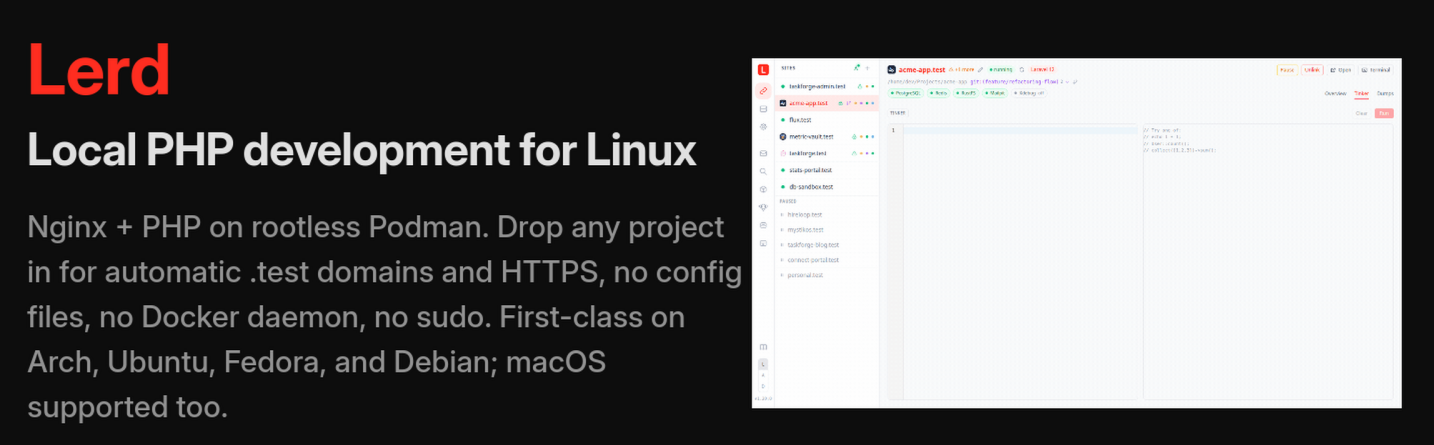
Bringing the Laravel Herd Experience to Linux with “Lerd”
Laravel Herd is extremely powerful and easy to host and debug Laravel applications on MacOS and Windows. Has someone created the solution for Linux?
Read More →
Agentic Coding is a Terrible Experience
AI in coding isn't what it seems. After numerous times trying, it’s like babysitting. Here's why I hate it.
Read More →
Laravel Reverb on Cloudflare on Forge
A setup from hell, it seems nobody has bothered to test this, the good thing is I've tested it so you don't have too.
Read More →