Bringing the Laravel Herd Experience to Linux with “Lerd”
Laravel Herd is extremely powerful and easy to host and debug Laravel applications on MacOS and Windows. Has someone created the solution for Linux?
If there is one thing most of us hate, it’s spending hours configuring and wrestling with local development environments just to do our actual jobs.
This is exactly why developing on macOS with Laravel Herd has become such a requirement. It offers one of the most frictionless experiences out there. But what about those of us who prefer Linux? Until recently, we had to rely on heavier Docker setups or manual configurations. Herd was only supported on MacOS and Windows. And even then the Windows implementation only got good I'd say over the past few months.
Enter Lerd, a brilliant community-driven solution that brings the magic of Herd directly to Linux users.
What Exactly is Lerd?
Lerd is built for developers who want zero friction. In the creator's own words, the project aims to deliver:
“Nginx + PHP on rootless Podman. Drop any project in for automatic
.testdomains and HTTPS, no config files, no Docker daemon, no sudo. First-class on Arch, Ubuntu, Fedora, and Debian; macOS supported too.”
No Docker daemon overhead, no messing with sudo, and automatic local domains. It sounded almost too good to be true, so I decided to put it to the test.
Taking It for a Spin on CachyOS
I spun up a recent CachyOS VM to take Lerd for a test drive. Honestly? The installation was incredibly simple. I followed the official instructions and had the core system installed in a matter of minutes.
Once installed, the workflow is brilliantly straightforward:
Park your directory: I "parked" my main code folder so Lerd automatically linked all my projects.
Initialize: I navigated into my specific project folder and ran
lerd init.Configure: Lerd walked me through a few quick prompts about my desired setup and then handled absolutely everything else under the hood.
It worked flawlessly right out of the box.
A Quick Heads-Up: DNS Resolution
While the experience was remarkably smooth, I did run into a minor hiccup you should watch out for.
Shortly after installation, I noticed my background YouTube video cut out and my DNS completely stopped resolving. Because Lerd hooks into your system to dynamically handle those .test domain resolutions, it can temporarily trip up your network manager.
If you run into this, the fix is immediate and simple. Just restart your DNS server:
sudo systemctl restart systemd-resolved
Once I ran that, everything came right back up and worked perfectly. If you encounter any connection issues post-install, I’d wager trying that command first.
The Verdict
After playing around with it, I’d argue that Lerd might actually offer a better experience than Laravel Herd on macOS.
You can find their Github here: https://github.com/geodro/lerd
You can find their website here: https://geodro.github.io/lerd/
Related Posts
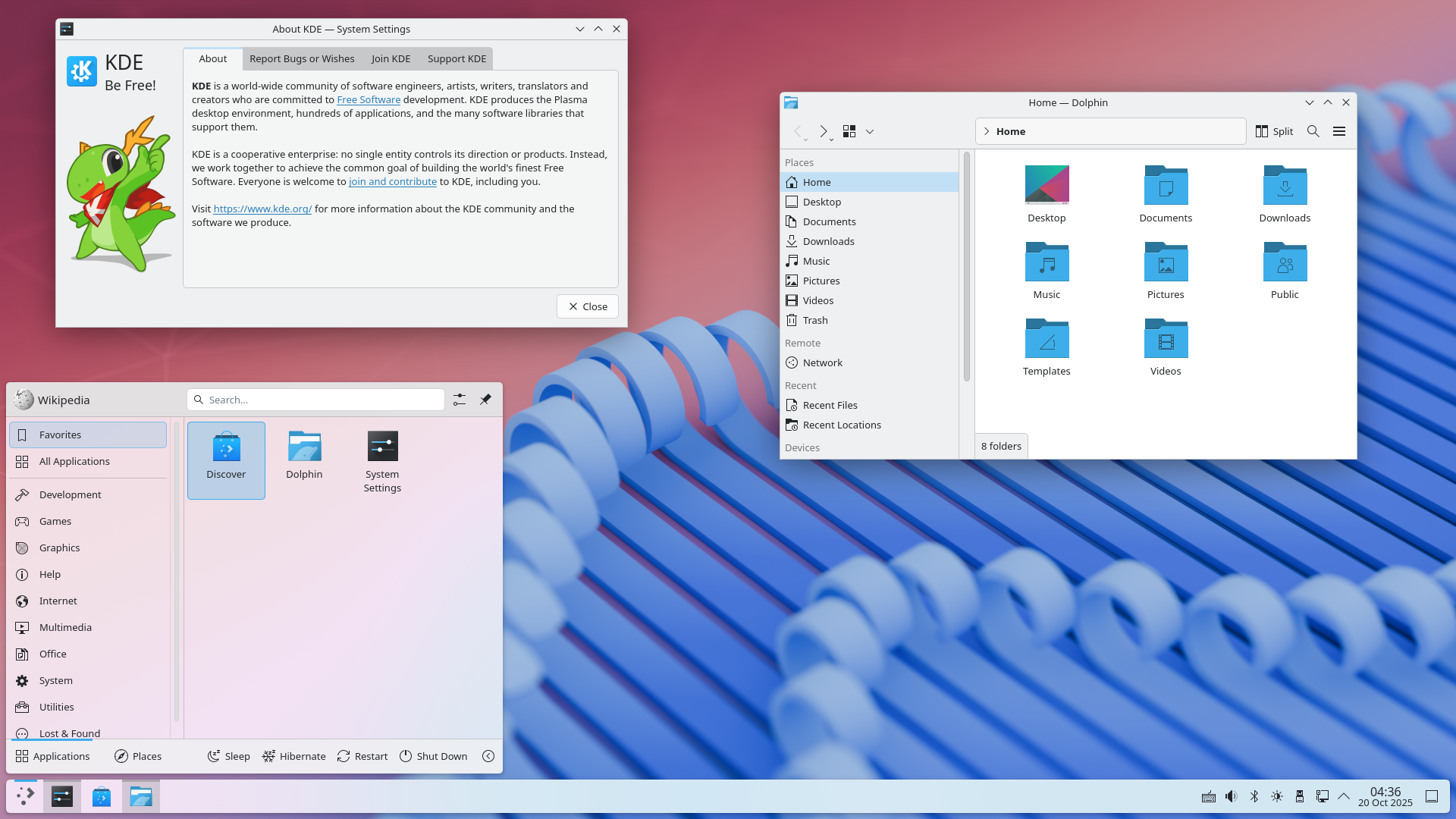
Getting Native Video Wallpapers Working in KDE Plasma with TuxPapers
Building TuxPapers a native Linux animated wallpaper manager sounds straightforward until you start fighting KDE Plasma's plugin system, Qt's private ABI, and a plasmashell that quietly ignores your changes. This is the story of how I got from "black screen" to native MKV playback.
Read More →
How to Fix "Plugin 'auth_socket' is not loaded" in Laravel Herd MySQL
Opened my Work Laptop after shutting it down last night, to this error. Last thing I needed on a Tuesday morning. Let's run through how to fix it.
Read More →
Gemini 3 Released, and it still sucks
I'm going to be extremely quick with this. Gemini 3 sucks, and failed at the first question I asked it.
Read More →